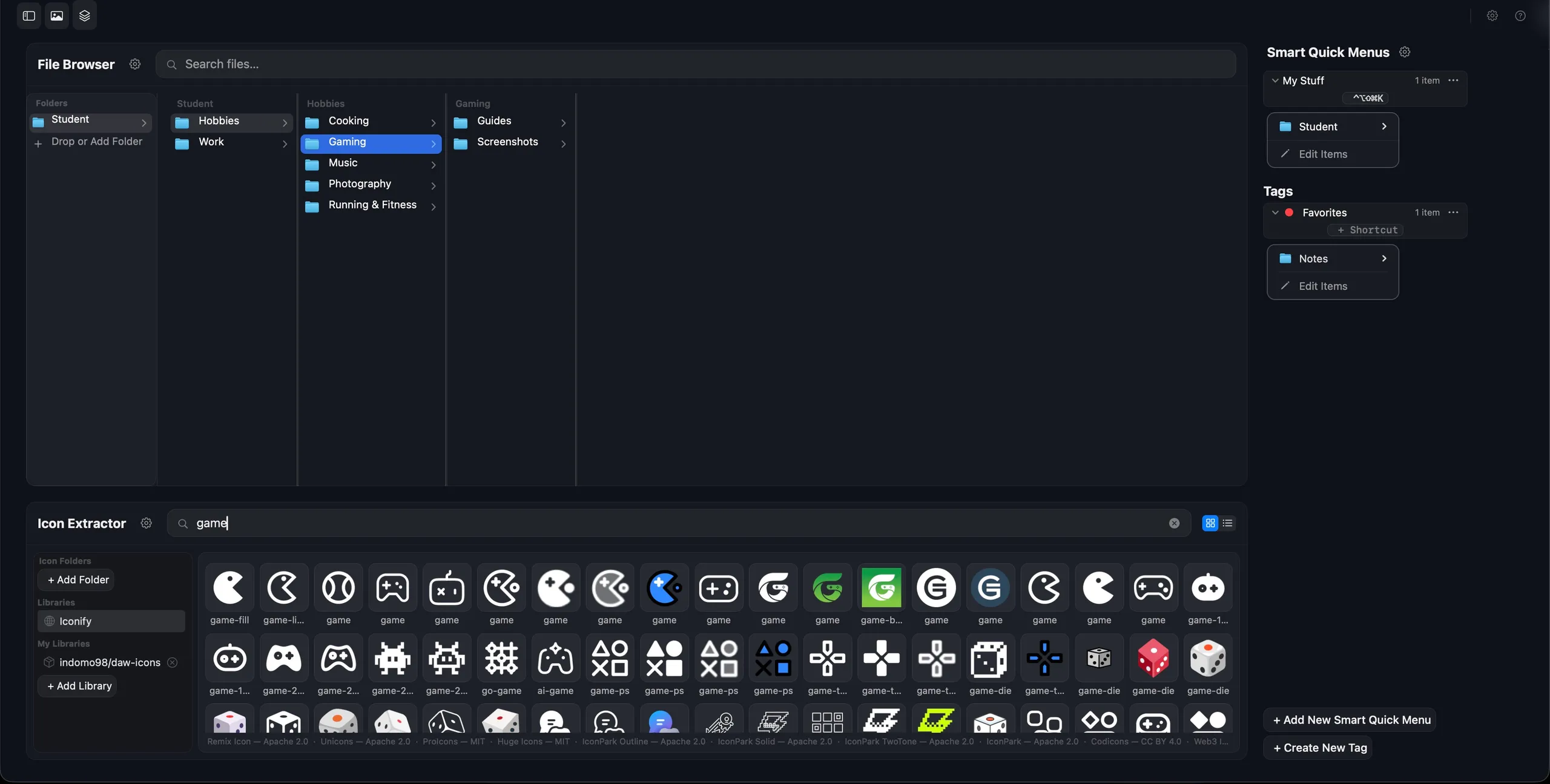
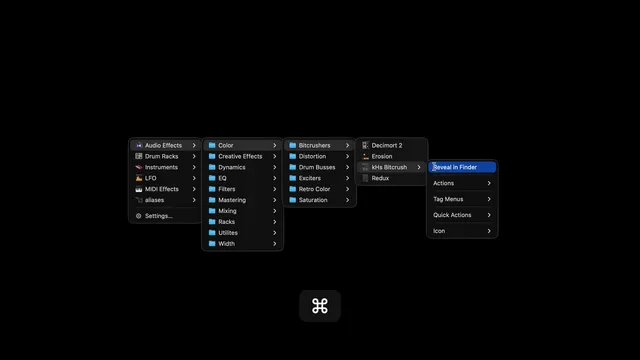
Turn any folder into an instant popup menu

Quick Menus lives in your Mac menu bar — summon your files, folders, and scripts with a keystroke.

Demo coming soon

Demo coming soon

We're polishing the demo — check back shortly, or grab the trial below.

Download Free Trial

Requires macOS 15.5+ · Apple Silicon & Intel

Screenshot coming soon for: Instant popup menus from any folder

Screenshot coming soon

This one's on its way — here's what it does.

Instant popup menus from any folder

Turn any folder of files, templates, or scripts into a menu you can pop up anywhere on your Mac.
Screenshot coming soon for: Summon menus with a keyboard shortcut

Screenshot coming soon

This one's on its way — here's what it does.

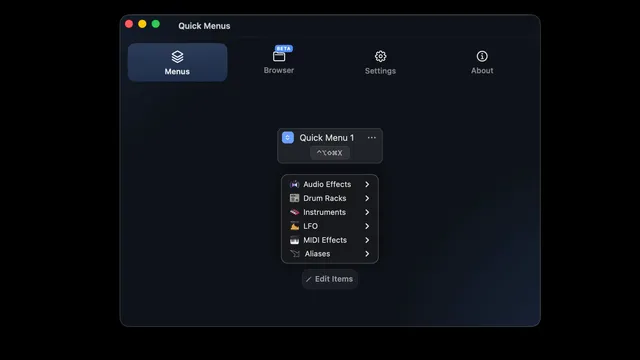
Summon menus with a keyboard shortcut

Assign a global keyboard shortcut to any menu — no mouse hunting, no Finder windows, just instant access.
Screenshot coming soon for: Works with files, scripts, templates

Screenshot coming soon

This one's on its way — here's what it does.

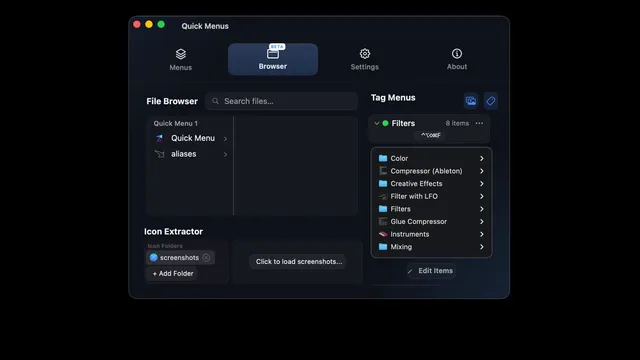
Works with files, scripts, templates

Point Quick Menus at any folder — documents, scripts, or project templates — and it becomes a menu instantly.

Screenshot coming soon for: Lives quietly in your menu bar

Screenshot coming soon

This one's on its way — here's what it does.

Lives quietly in your menu bar

No Dock icon, no clutter — Quick Menus sits quietly in your menu bar until you need it, then gets out of the way.

Free for 14 days — no credit card required.

Quick Menus

$29 one-time purchase

  • Unlimited custom menus
  • Keyboard-shortcut summon
  • Works with files & folders
  • Script & template menus
  • Priority email support
  • Free updates
  • Use on up to 3 Macs
Buy Quick Menus — $29

Launch price. Going to $49.

14-Day Money-Back Guarantee

Frequently asked questions

What's your refund policy?

Not happy with Quick Menus? Email support@quickmenus.app within 14 days of purchase for a full refund — no questions asked.

What Mac do I need?

Quick Menus requires macOS 15.5+ and runs natively on Apple Silicon & Intel.

How does the free trial work?

Free for 14 days — no credit card required. If you decide to buy, your license activates instantly — no reinstall needed.

How many Macs can I use my license on?

Each license activates on up to 3 Macs. Need more? Email support@quickmenus.app.

Is Quick Menus a subscription?

No — Quick Menus is a one-time purchase with free updates, not a subscription. Your license key arrives by email from Gumroad right after checkout.

Meet the maker

Frederik Husegaard

I'm Frederik, a Mac user in Denmark who kept losing time digging through the same folders. Quick Menus is the tool I built for myself: point it at any folder and get an instant popup menu, summoned by a keyboard shortcut. I use it every day, I answer every support email personally, and I'm building it in the open.